ChatGPT can now help you create and edit PowerPoint presentations, here is how
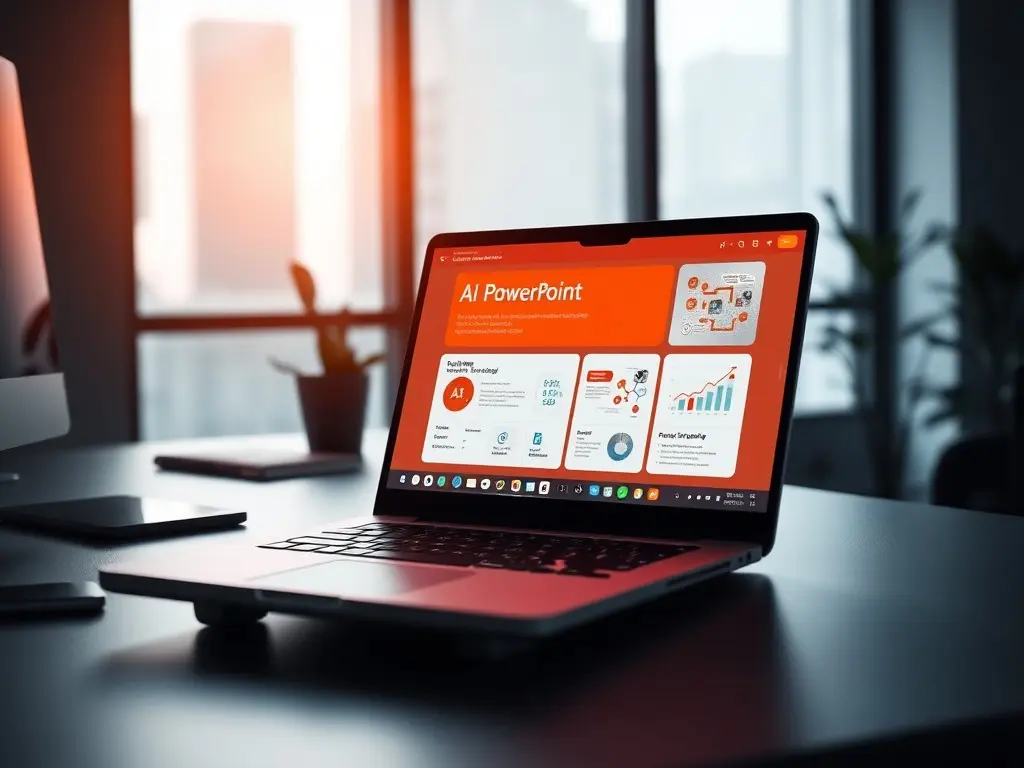
OpenAI has introduced a beta ChatGPT integration for Microsoft PowerPoint, allowing users to generate, edit, and refine presentations directly within the app using natural-language instructions. The tool transforms notes, documents, or spreadsheets into structured slide decks, supports customization for specific audiences, and offers features like narrative gap analysis and visual element generation.
OpenAI has launched a beta ChatGPT integration for Microsoft PowerPoint, enabling users to create and edit presentations without specialized design skills. The feature adds a ChatGPT sidebar to PowerPoint, where users can input natural-language instructions to generate slides from scratch, convert notes into presentation-ready decks, or refine existing content. For example, users can upload meeting notes and key performance indicators to produce a 10-slide executive presentation with sections like an executive summary, risks, and next steps—all while keeping slides editable within PowerPoint. The integration extends beyond drafting slides, offering tools to review presentations for narrative gaps, suggest executive questions, and improve storytelling. Users can also request rewrites, structural refinements, or visual elements like chart slides from tables. Businesses may leverage the tool to customize presentations for clients by uploading account notes and usage data, or convert research notes into client-ready recommendations using existing templates. The beta rollout is available globally across all ChatGPT subscription tiers, including Free, Go, Plus, Pro, Business, Enterprise, Edu, Teachers, and K-12 plans. Installation is straightforward: users can add the ChatGPT for PowerPoint add-in via PowerPoint’s Add-ins section or the Microsoft Marketplace, then sign in with their OpenAI account to access the sidebar feature. This integration follows OpenAI’s earlier productivity tools for Excel and Google Sheets, reinforcing its focus on AI-assisted workflows. The PowerPoint tool is designed to streamline presentation creation, allowing users to upload files like screenshots or spreadsheets and transform them into editable slides. OpenAI emphasizes the tool’s ability to save time by automating repetitive tasks while maintaining flexibility for manual adjustments.
This content was automatically generated and/or translated by AI. It may contain inaccuracies. Please refer to the original sources for verification.